Pull down. Hold. Done.
Pull down anywhere to add a task. A tap opens the details. To complete a task, hold your finger on it until the ring closes.
ENDE
Todos
Tidy, fast and beautiful.

How Todos works
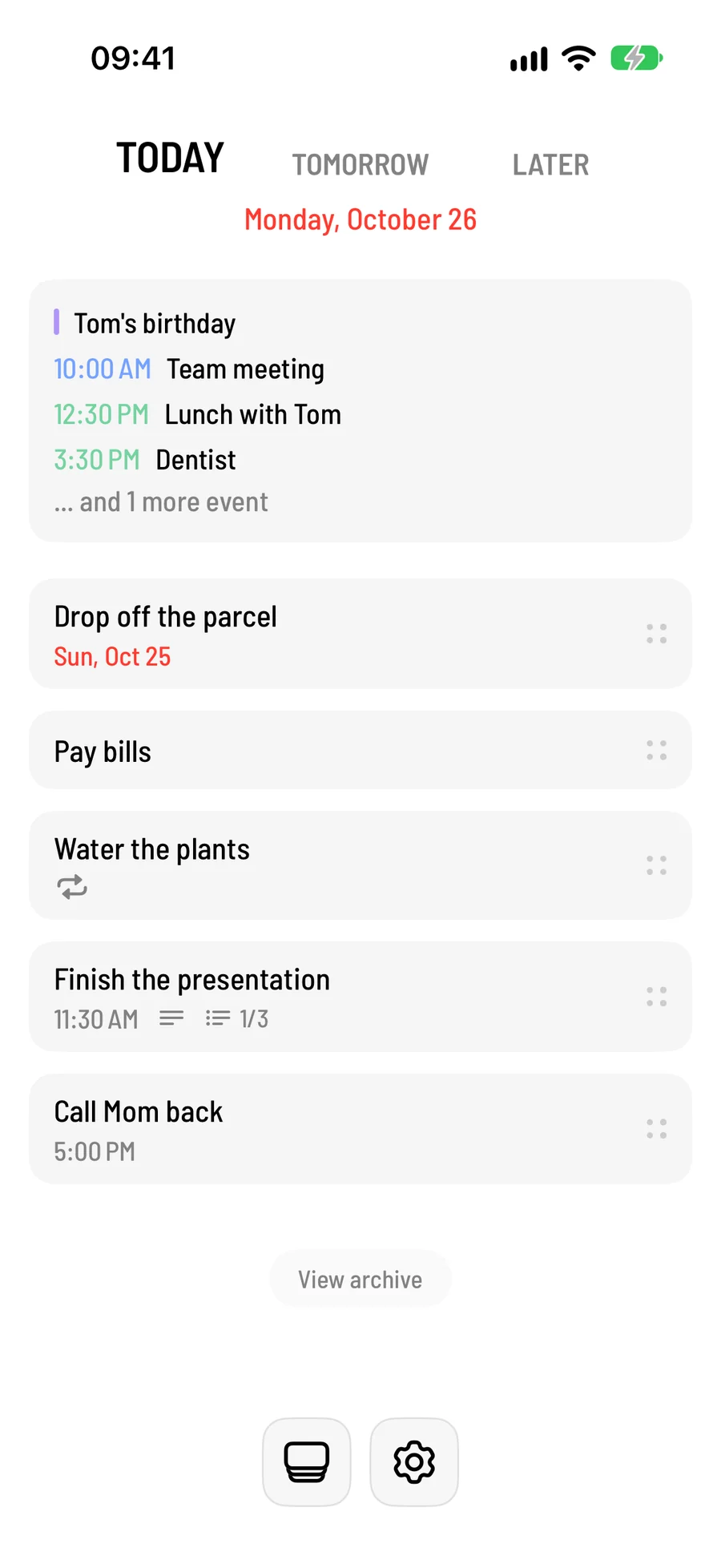
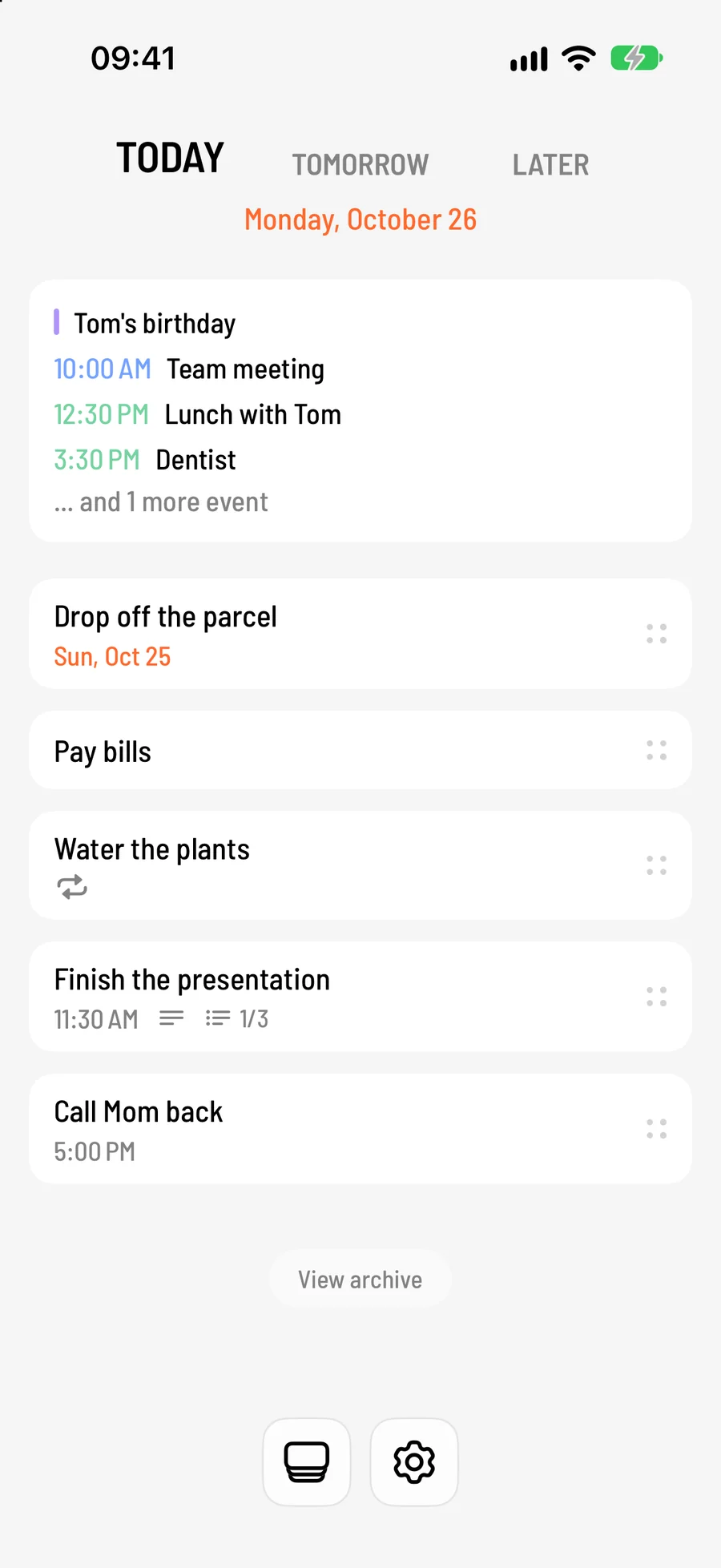
Todos sorts your tasks into Today, Tomorrow and Later. You see what needs doing today and what’s coming up in the next few days. Everything else is safely noted until you need it.
Get done what’s due. With the calendar overview, you won’t miss a birthday or an event. Whatever you don’t finish stays on Today.
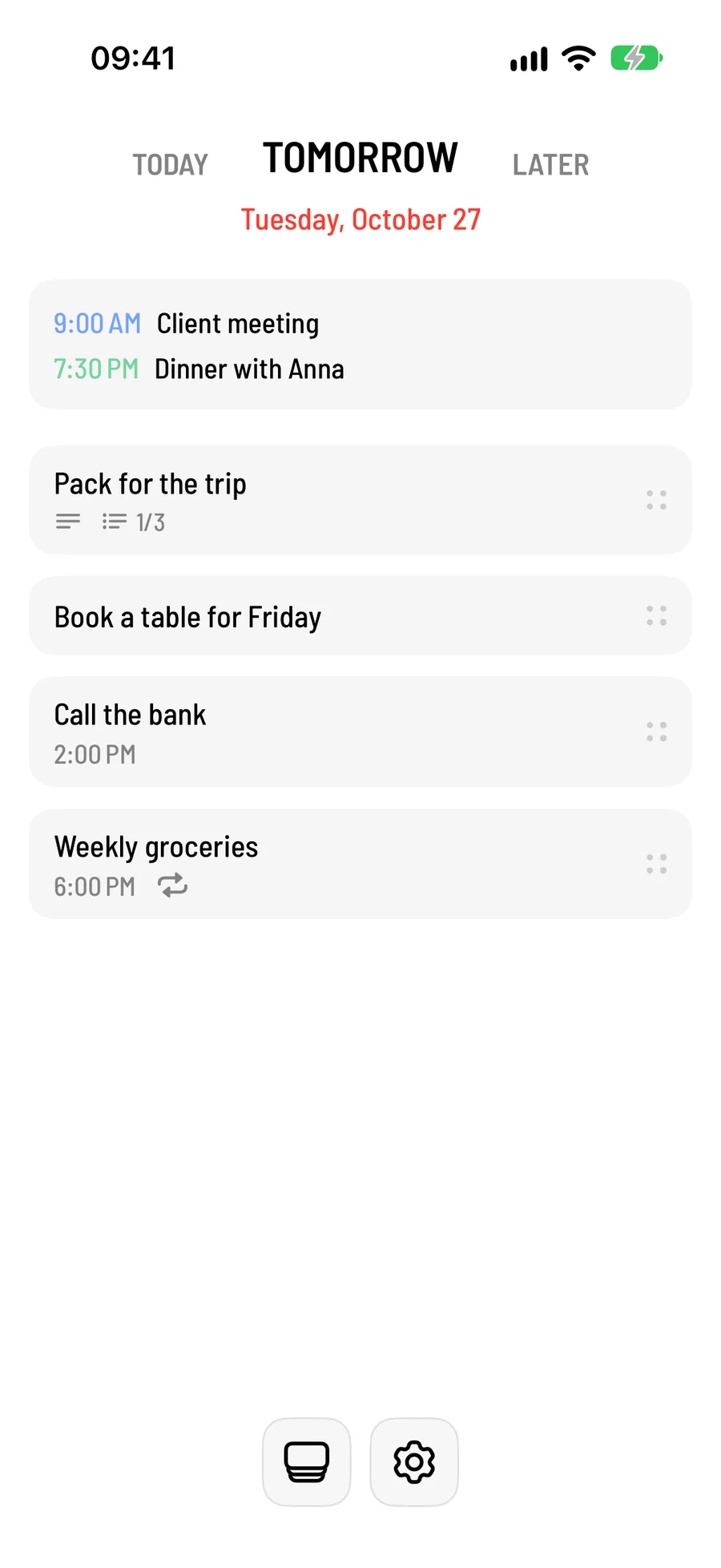
Plan the next day today. Then you know in the morning what’s ahead.
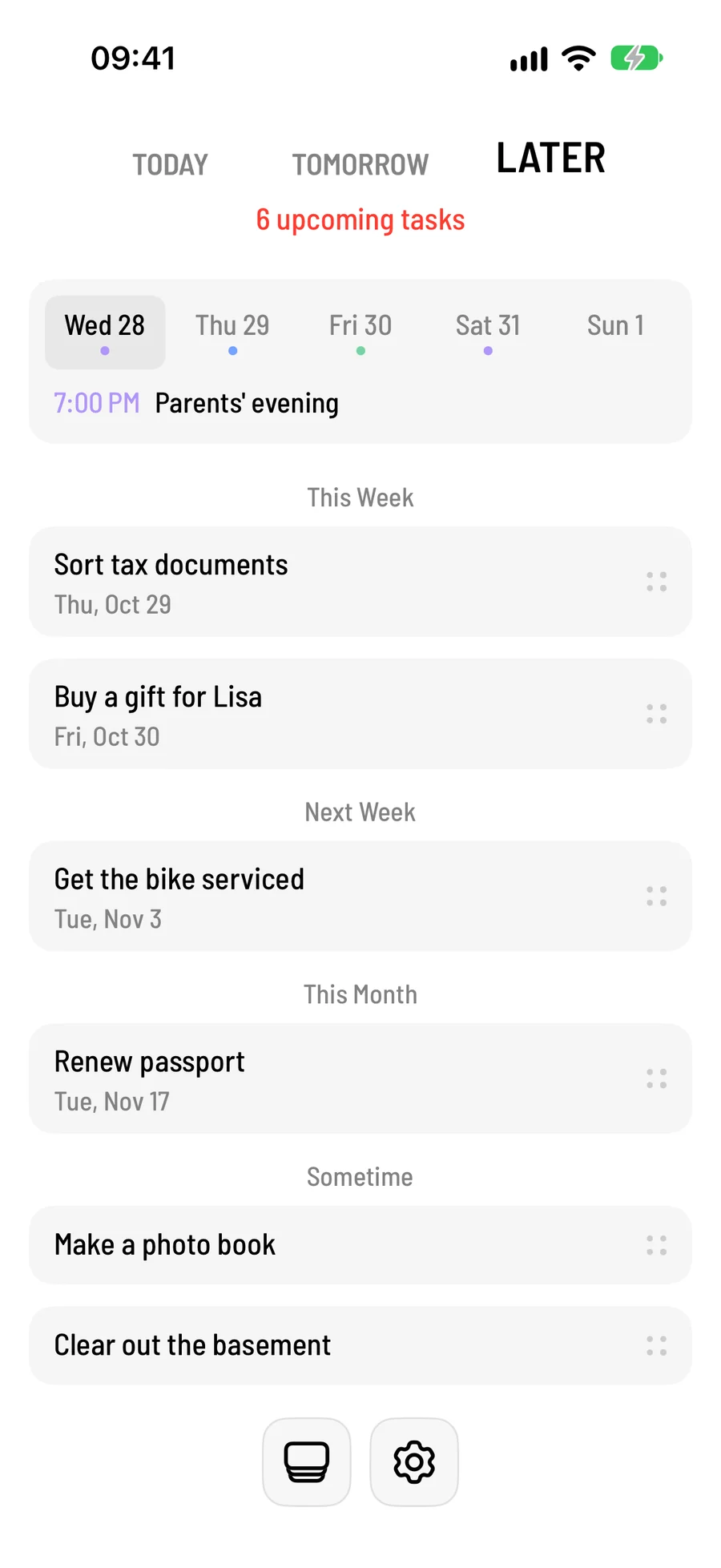
Everything that isn’t due yet, safely noted. Nothing gets lost, even when it’s not on your mind.
Pull down anywhere to add a task. A tap opens the details. To complete a task, hold your finger on it until the ring closes.
Plan Mode goes through your open tasks one by one. One tap for the day, one for the time of day, and on to the next task.
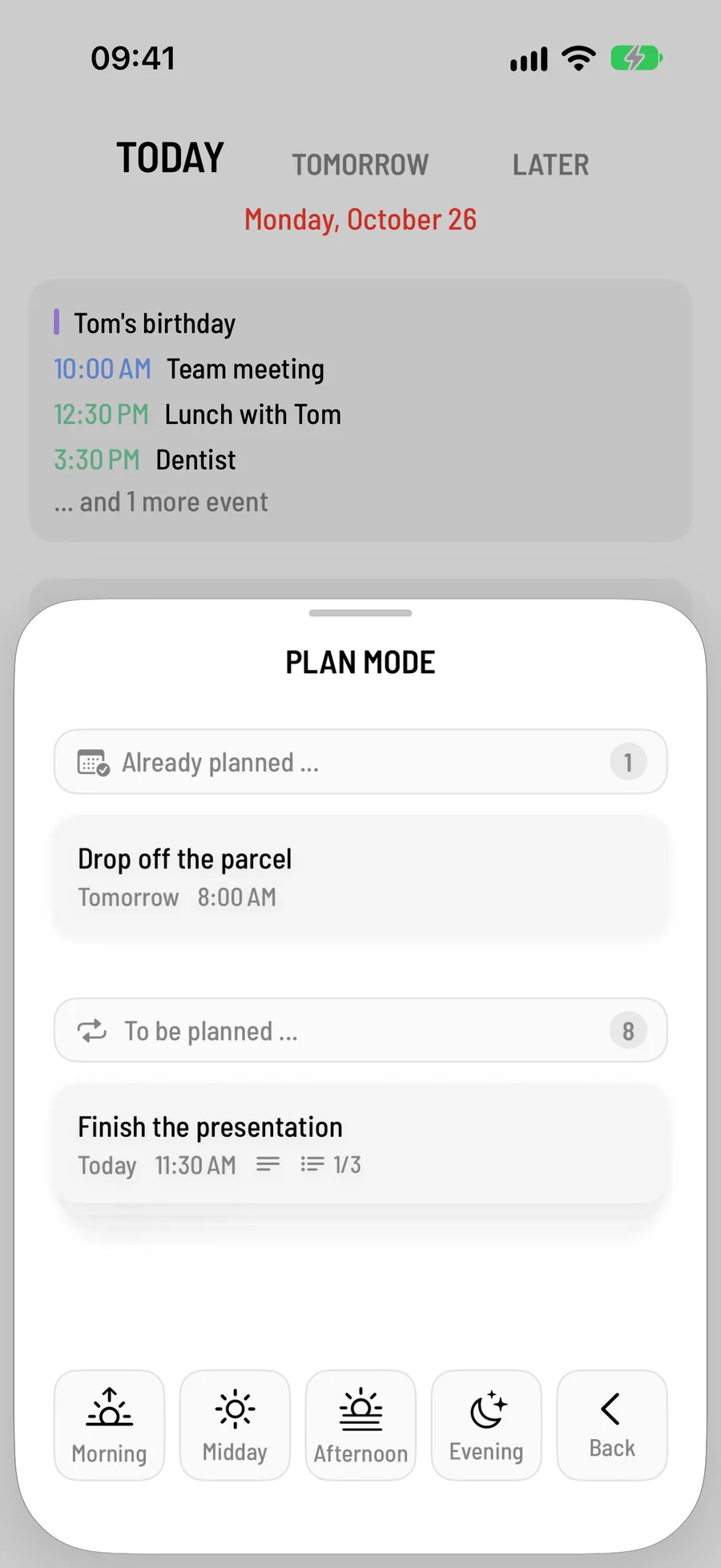
Todos shows the events from your calendar right next to your tasks. On the timeline, drag a task into a free slot.
No Time
2:00 PM
Pay billsNo Time → 2:00 PM
See what's on today without unlocking your iPhone: your next task, your progress and your events. Complete or snooze reminders right in the notification. If you like, a daily summary arrives every morning with everything that's on.
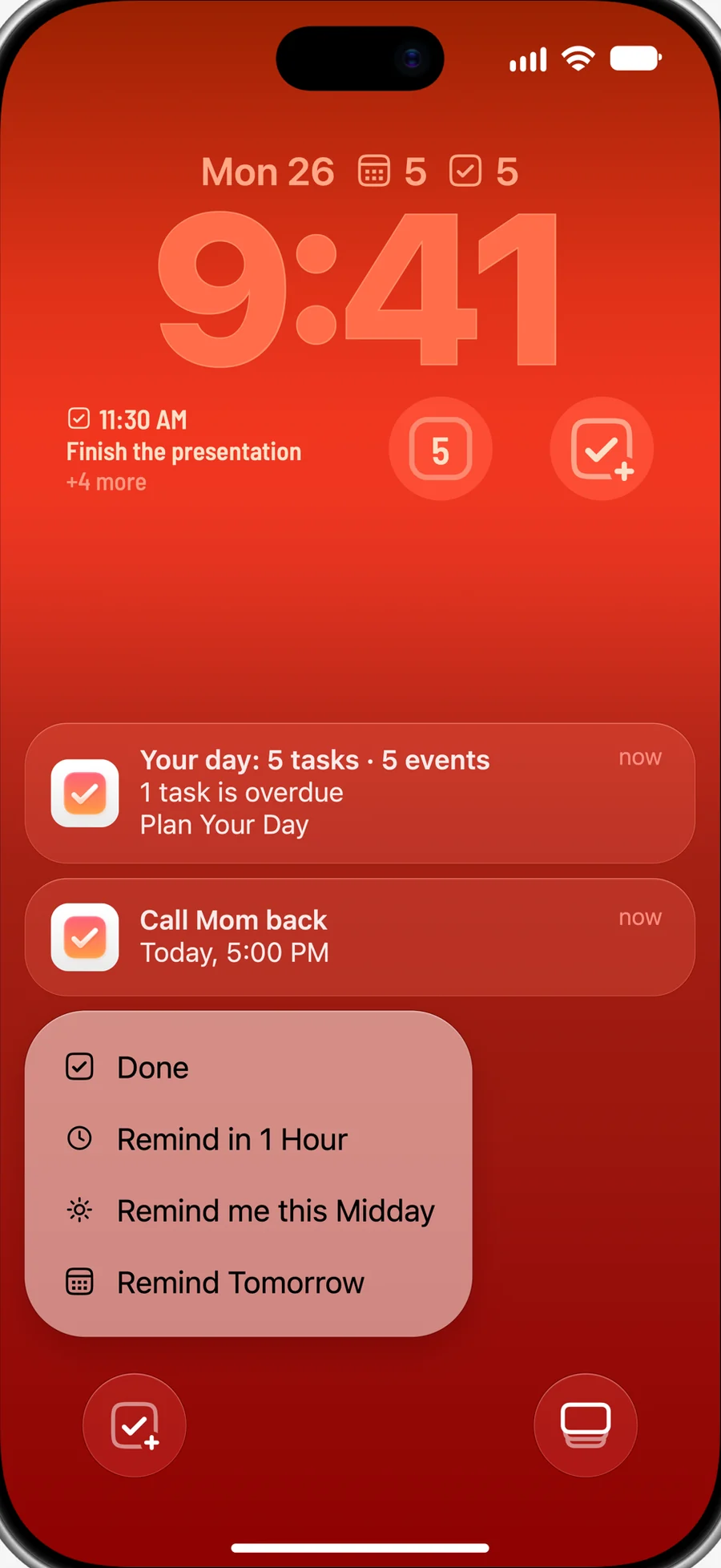
New Task and Plan Day in Control Center and on the Action button. Find your tasks with Search and use them in the Shortcuts app.
Tax
 Sort tax documentsTodos · Thu, Oct 29
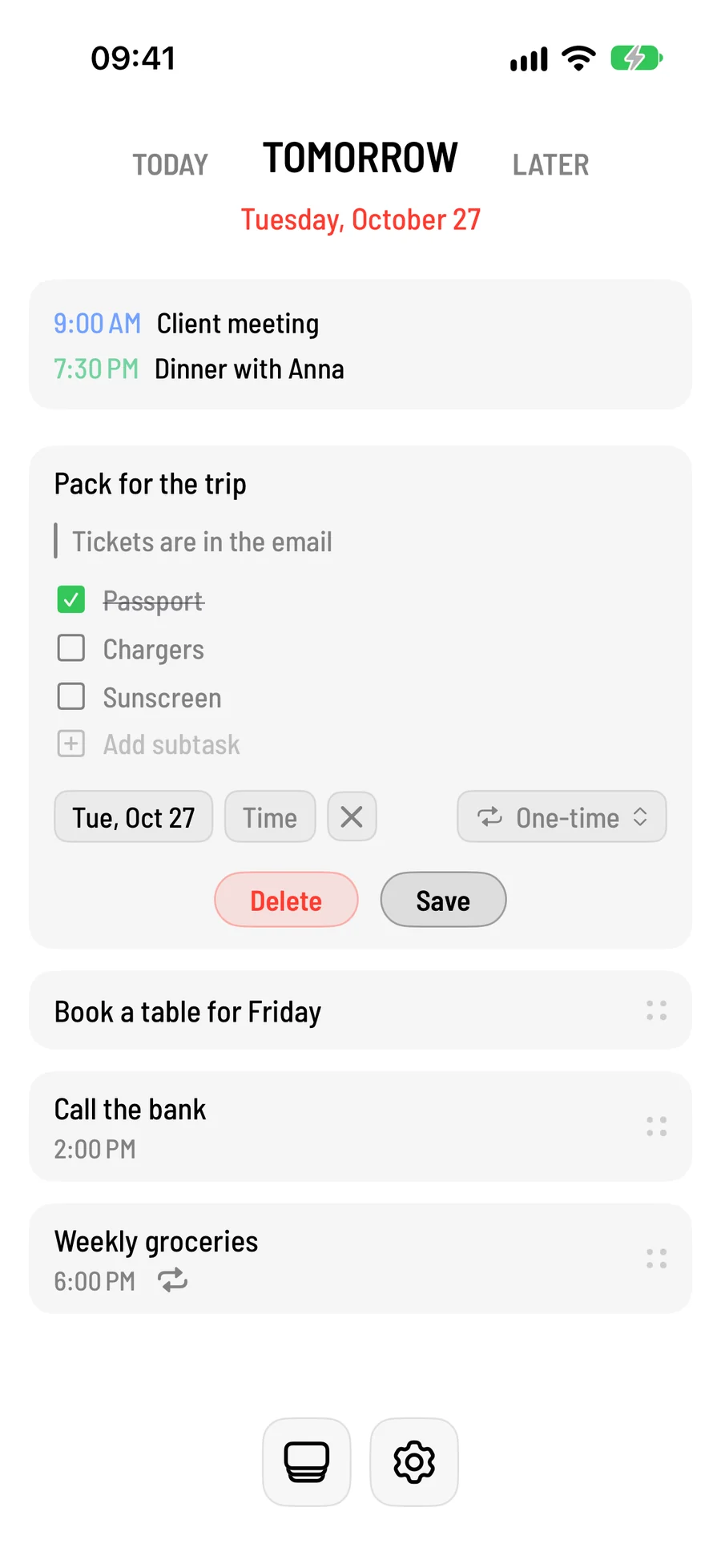
Notes, subtasks, times and repeats. Open a task and they’re there. Close it, and your list stays tidy.
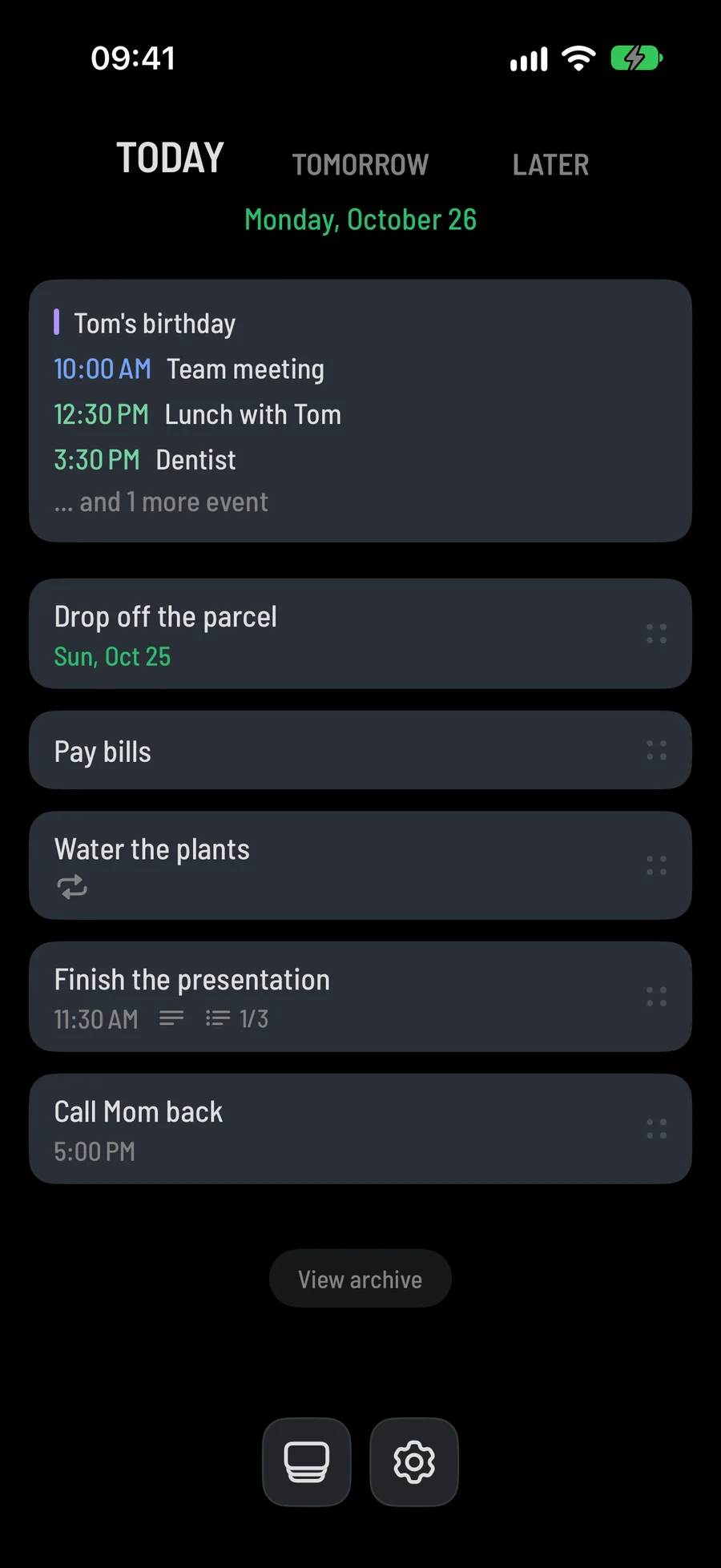
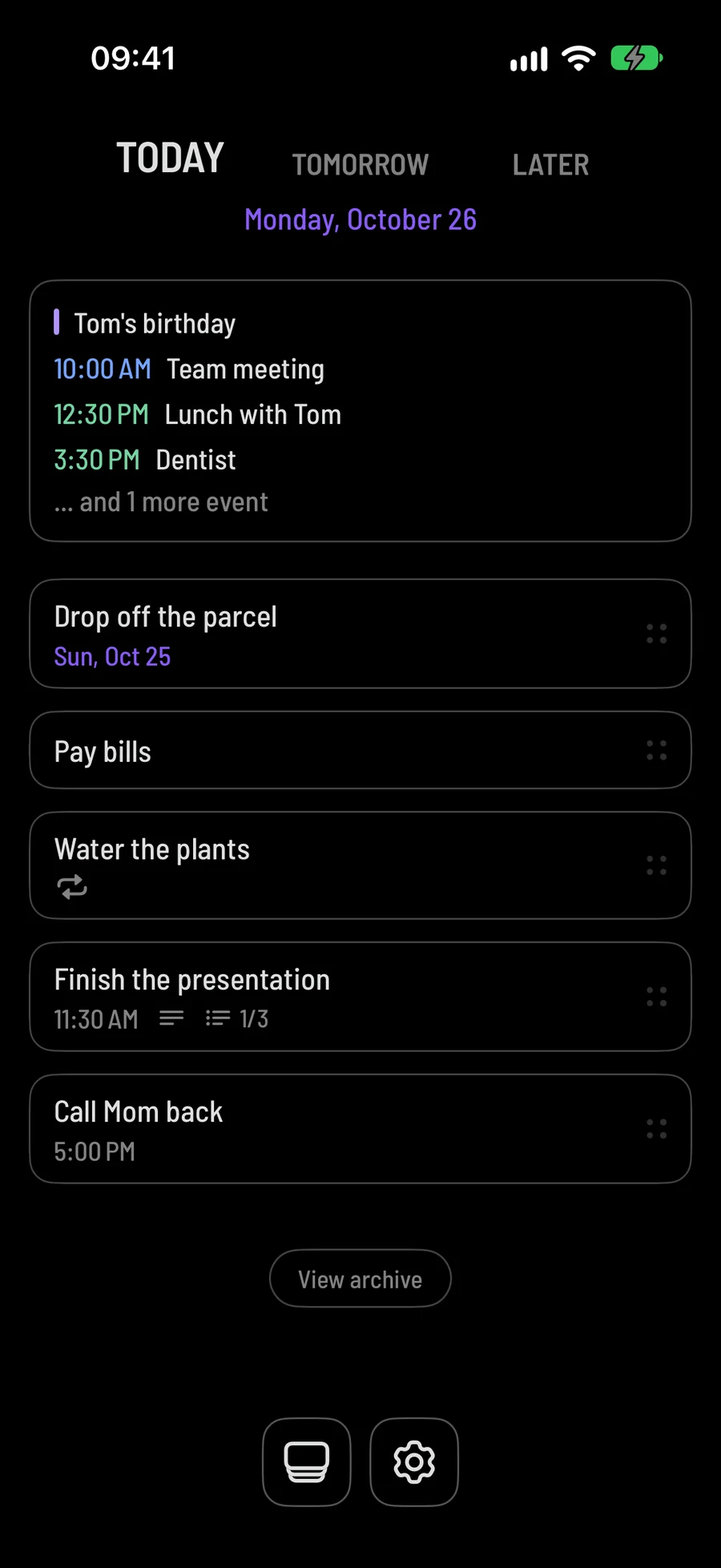
 White
 Light
 Dark
 Black
 Auto switches with your iPhone’s light and dark mode
Your tasks live on your iPhone and sync through your own iCloud. We have no access to this data.
You’ll find answers to common questions on the support page. Or write to us directly.